Elements that flow across multiple pages
For tables, boxed matter, figures, and indexes that flow across multiple pages, capture the processing instruction for page breaks in the first text node of that page.
For tables this is usually the the p element in the first entry of the first row on the page. The text node varies for boxed matter or figures, although it must still be a descendant of one of the elements that can incorporate processing instructions.
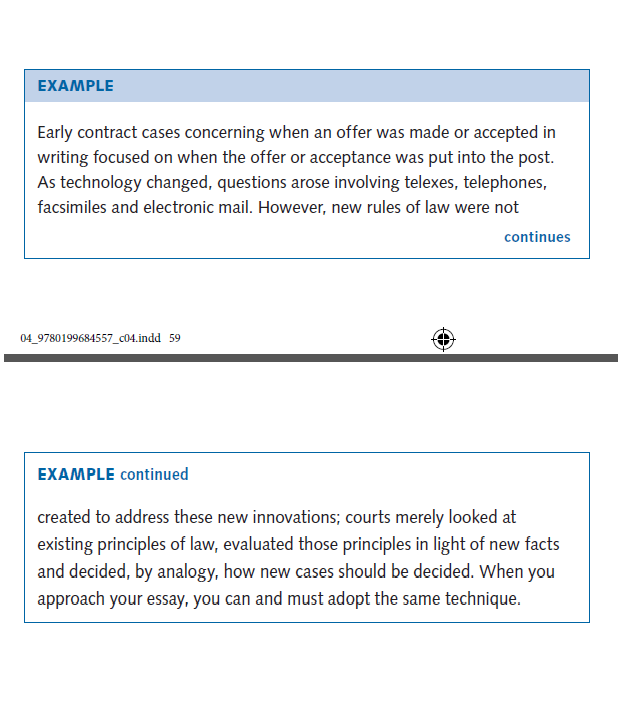
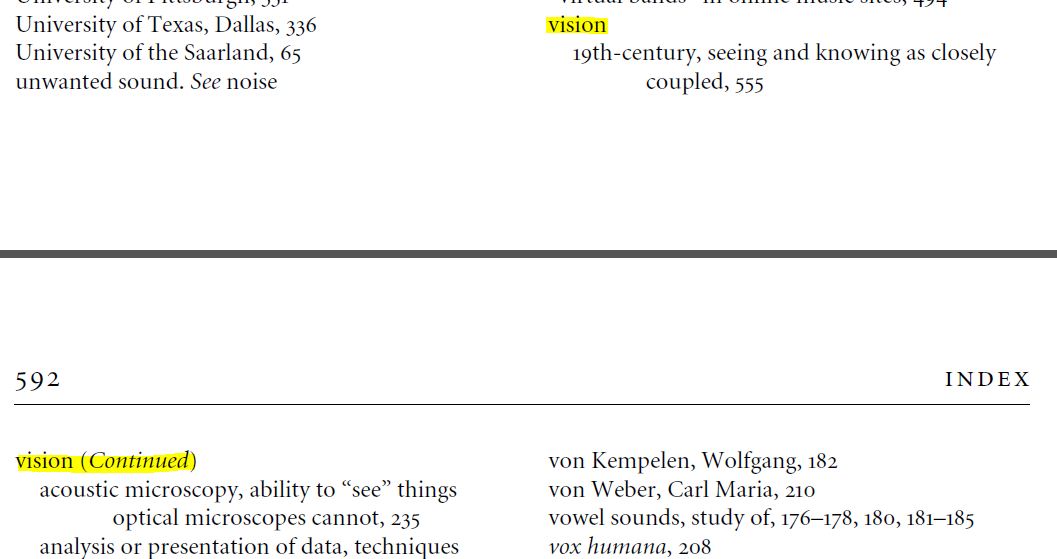
When an element flows across multiple pages sometimes the heading is repeated at the top of each page. For example, a table header row may appear at the top of more than one page in the book if the table covers more than one page; or an index item may appear at the top of a page if a page break comes in the middle of a list of sub-items. Do not capture this repeated heading in the XML. Additionally, sometimes an element may contain the word 'continues' to indicate that the box or element continues on the next page. This is a design element and not necessary to capture in the XML.
Index item repeated after a page break
Do not capture the text vision (Continued)
from the top of page 592.
Use of 'continues' and repeated heading
Do not capture the text continues
from the end of the first box or the repeated
heading from the second box. Capture as a single element.